 Grow Up Curious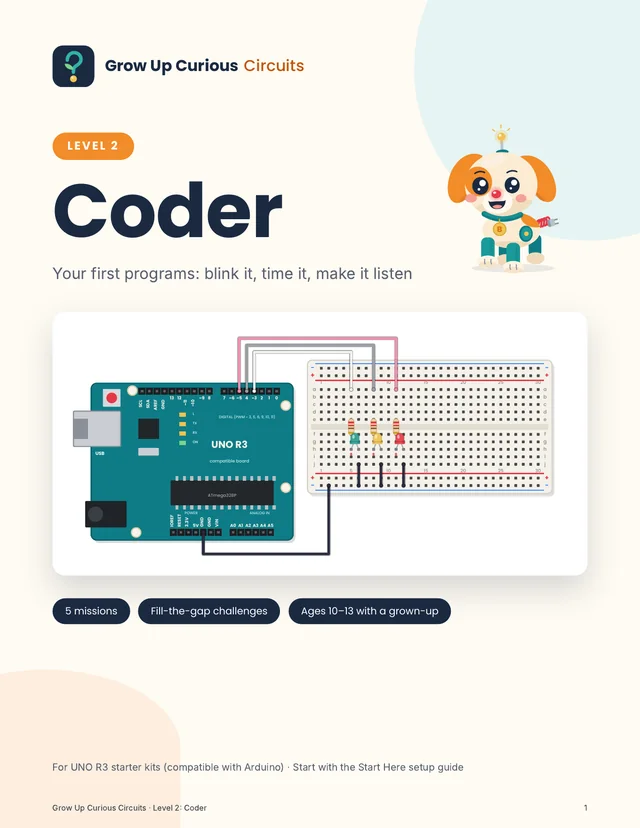
Coder
Your first programs: blink it, time it, make it listen.
The board stops being a battery and becomes a brain. Your kid types real code in the free Arduino IDE, one line at a time, and learns what every line means. Then come the challenges: fill in the missing code, and find the bugs we hid on purpose.
Instant PDF download. 14-day money-back guarantee, no questions asked. Secure checkout by Polar.
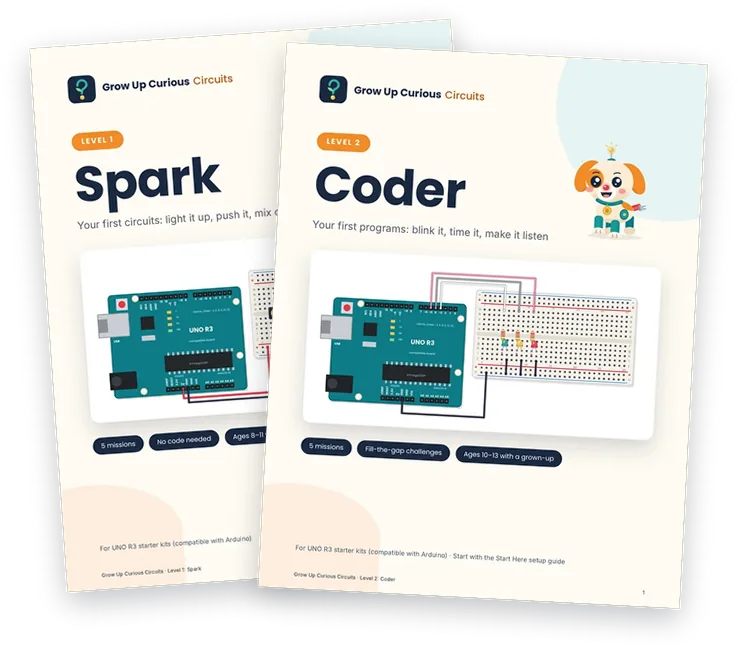
Starting from scratch? Get Spark and Coder together for $24.
- Format
- 33-page PDF, US Letter. Read on a screen or print at home.
- Missions
- 5, about 20 to 30 minutes each
- You need
- An UNO R3 starter kit (not included) and a Windows, Mac or Linux computer
- Before you start
- Set up the computer once with the free Start Here guide (about 20 to 30 minutes)
The five missions
Blink
20 minWrite your first program and make an LED blink.
Traffic Light
30 minA traffic light that changes by itself: green, yellow, red, and again.
Smart Button
25 minThe board checks a button. Pressed? LED on. Not pressed? LED off.
Night Light
30 minThe board measures the light. When it gets dark, the LED turns on by itself.
Color Fader
30 minOne RGB LED slowly fades through all the colors.
Every mission has
- Build and type: wiring picture, wiring table and the full code
- "What does the code say?", line by line
- Fill the gaps: a new challenge with missing code
- Bug hunt: code with mistakes hidden on purpose
- A lab notes page
Also inside: "How code works", "Your first code words", "Code grammar", "Type it like a pro", answers for every challenge, a Bug Hunter Log, a star page, and "For grown-ups: how to help".
What you need
The same UNO R3 starter kit as Spark. Compared with Spark, Coder also uses a green LED and a 10 kΩ resistor, and doesn't need the knob or the extra buttons. The ELEGOO UNO R3 Super Starter Kit lists every part below, and most other UNO R3 kits do too.
A computer with a free USB port: Windows 10 or 11 (64-bit), a Mac with macOS 10.15 or newer, or 64-bit Linux. Chromebooks, tablets and phones aren't covered.
| Part | What to look for | Qty |
|---|---|---|
| UNO R3 board | UNO R3 compatible (ATmega328P) | 1 |
| USB cable | USB-A to USB-B (the square plug) | 1 |
| Breadboard | Solderless, 830 holes (400 also works) | 1 |
| Jumper wires | Male-to-male, mixed colors | 8 |
| LEDs | 5 mm, red, yellow and green | 1 each |
| RGB LED | 5 mm, 4 legs, common cathode (most kits) | 1 |
| Resistors | 220 Ω (red, red, brown stripes) | 3 |
| Resistor | 10 kΩ (brown, black, orange stripes) | 1 |
| Push button | Small, 4 legs | 1 |
| Light sensor | Photoresistor (LDR), 5 mm | 1 |
Spark and Coder together
Start with circuits in Level 1, then add code in Level 2: 10 missions, 64 pages.
Questions about kits, ages or printing? See questions parents ask.