 Grow Up Curious
Start Here: Setup Guide
Get the kit and the computer ready in about half an hour. For the grown-up.
- Windows, Mac and Linux, drivers and port
- A first test upload and a fix-it guide
- 10 pages
Printable step-by-step guides for the UNO R3 starter kit you already have. Every wire has an exact hole, every mission has a fix-it box, and the grown-up gets a script for when it doesn't light up.
Starter kits come with a box of parts and very little hand-holding. Our guides tell you where each part goes, hole by hole, so you spend the evening building instead of guessing.
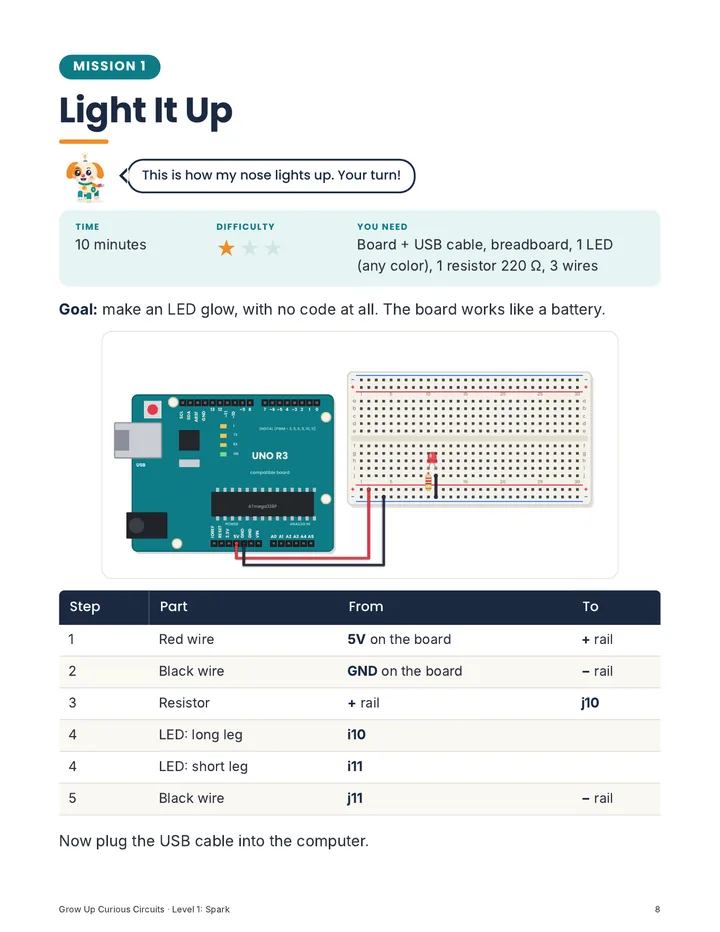
A picture of the finished circuit, plus a numbered table you can read out loud.
Each mission says what to check first. Most problems are one hole off or an LED turned around.
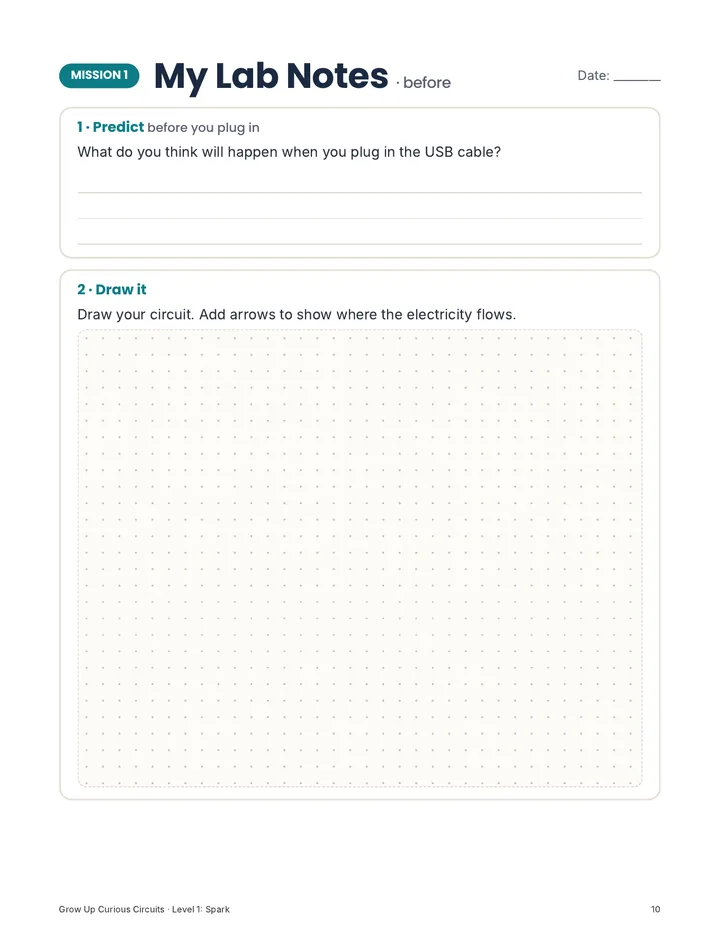
Predict, draw it, write what happened, hunt the bug. Printable pages for every mission.
| Step | Part | From | To |
|---|---|---|---|
| 1 | Red wire | 5V on the board | + rail |
| 2 | Black wire | GND on the board | − rail |
| 3 | Resistor | + rail | j10 |
| 4 | LED: long leg | i10 | |
| 4 | LED: short leg | i11 | |
| 5 | Black wire | j11 | − rail |
Start with the free setup guide, build circuits with no code in Level 1, then write real code with the same parts in Level 2.
Get the kit and the computer ready in about half an hour. For the grown-up.
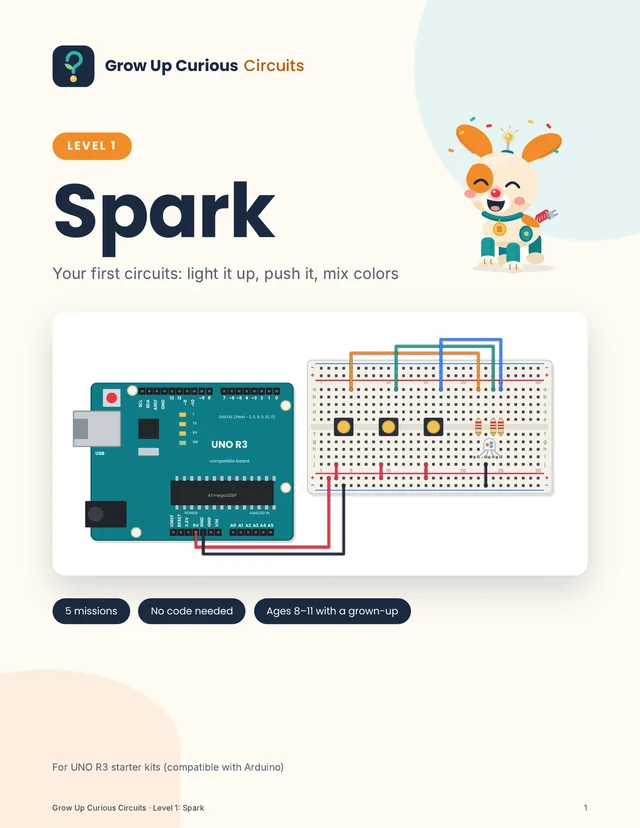
Five circuits with lights, buttons, a knob and a light sensor. The board is just the battery.
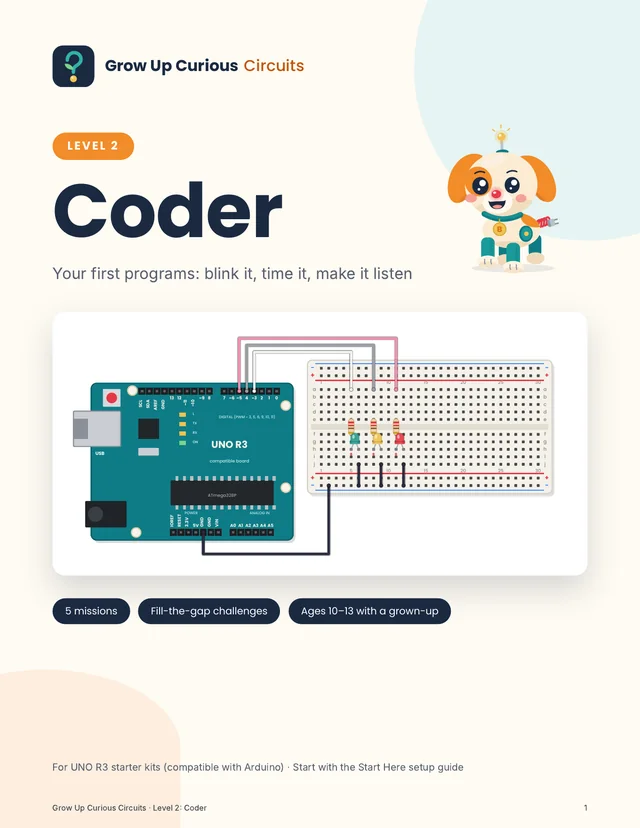
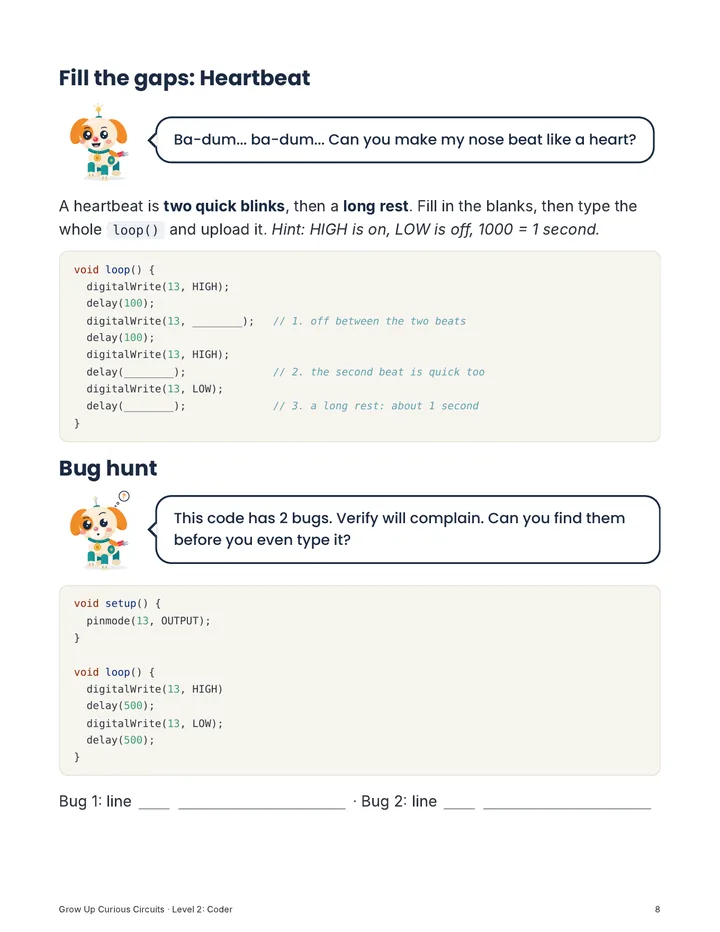
Blink a light, build a traffic light, teach the board to read a button and the light in the room.
Real pages from the guides. Read them on a tablet next to the breadboard, or print the lab notes.
Your job is to read the steps out loud and help when something doesn't work. Your kid holds the parts and plugs in the wires.
From the Start Here setup guide
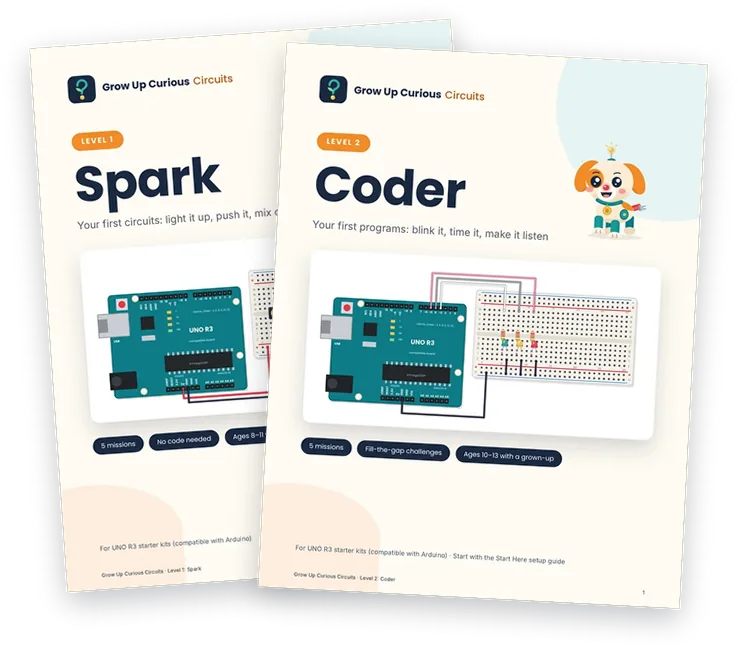
Spark and Coder together: 10 missions and 64 pages, from a first glowing LED to a light that fades through every color.
Instant PDF download. 14-day money-back guarantee, no questions asked. Secure checkout by Polar.
Any UNO R3 starter kit that has the parts listed on each guide's page. The ELEGOO UNO R3 Super Starter Kit lists every part we use, and most other UNO R3 starter kits do too. Check your kit's parts list before you buy a guide.
Not for Level 1 Spark: the board is only the power source, so a USB phone charger or a power bank works too. Level 2 Coder needs a Windows, Mac or Linux computer with the free Arduino IDE, which the Start Here guide helps you install. Chromebooks, tablets and phones aren't covered.
Spark is written for about 8 to 11, and Coder for about 10 to 13, both with a grown-up nearby. Every kid is different: younger builders need more help reading the tables, older ones move faster.
Yes. The guides are written for you to read out loud, with "For grown-ups" boxes and a fix-it box in every mission. You don't need to understand the circuit before you start; you'll find out together.
No. Grow Up Curious makes independent guides for UNO R3 starter kits (compatible with Arduino). We're not affiliated with Arduino or any kit maker.
Either. The guides are US Letter PDFs that open on any phone, tablet or computer. You can keep the guide on a tablet next to the breadboard and print only the lab notes pages.
Every mission runs on low-voltage USB power. The guides tell you to leave the 9 V battery, its clip and the power supply module in the box. Starter kits contain small parts, so keep them away from younger children and pets, and supervise.
Email us within 14 days of your purchase and we'll refund you in full. See the Refund Policy.
Check the parts, test the cable, install the software and upload a first test, with a fix-it guide for the usual snags. We'll email it to you.
Free, for grown-ups. Confirm your email and the guide opens right away. By signing up, you agree to receive emails from Grow Up Curious (see our Privacy Policy). Unsubscribe anytime.